

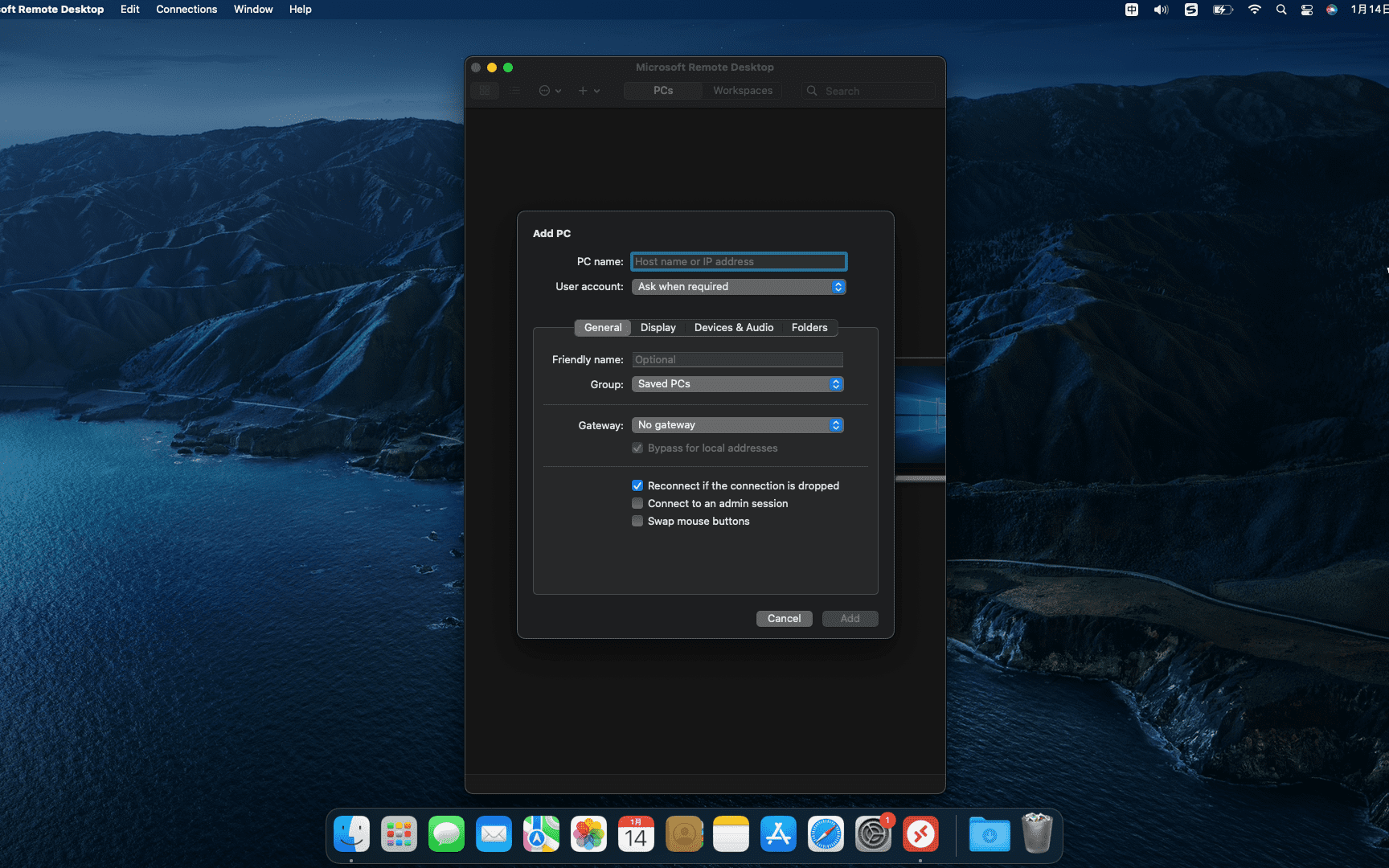
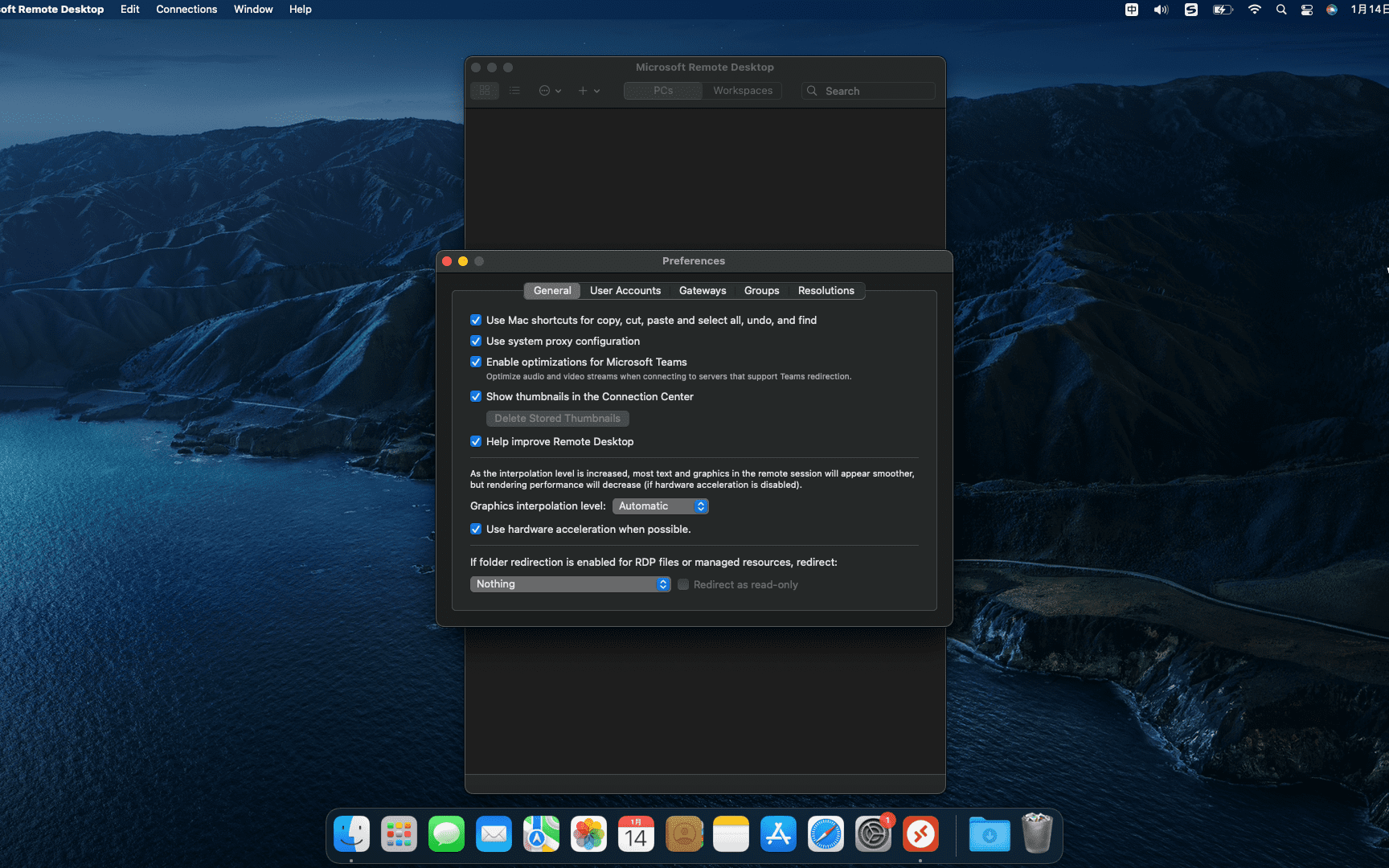
Microsoft Remote Desktop helps you quickly connect to your Windows-based computer,to use its programs and files,Access data etc.。When configuring the connection,Microsoft Remote Connection Tool allows you to decide which resolution should be used,color quality,full screen mode,Whether to start the session in full screen,Whether to use all monitors,Or the content should be scaled。and you can choose to,Play sound on remote PC,Or don't play the sound at all,Manage sessions with connections,Forward printing device,Swap mouse buttons or enable folder redirection。
Most of the download resources on this site are collected from the Internet,Only for learning and communication purposes,Copyright belongs to the original author。If you need to use non-free software or services,Please purchase genuine licenses and use them legally。If the content published on this site infringes upon your rights,Please contact the webmaster to delete,We will handle it promptly。
If the download address is invalid,You can leave me a message,The editor saw the news,Will update the link as soon as possible! Thanks!


