

Crossover is a virtual machine-like software developed by codewaver.,The purpose is to make Linux and Mac OS X operating systems and window systems compatible。
CrossOver is not like Parallels or VMware emulators,It is a software that actually runs on the Mac OS X system.。CrossOvers can run Windows software and games directly on Mac,without a virtual machine。It provides Windows software with the resources it needs,To achieve the purpose of running Windows programs on Mac OS X system。
Wine is the engine used by CrossOvers,It is an open source tool for executing Windows APIs on UNIX systems。
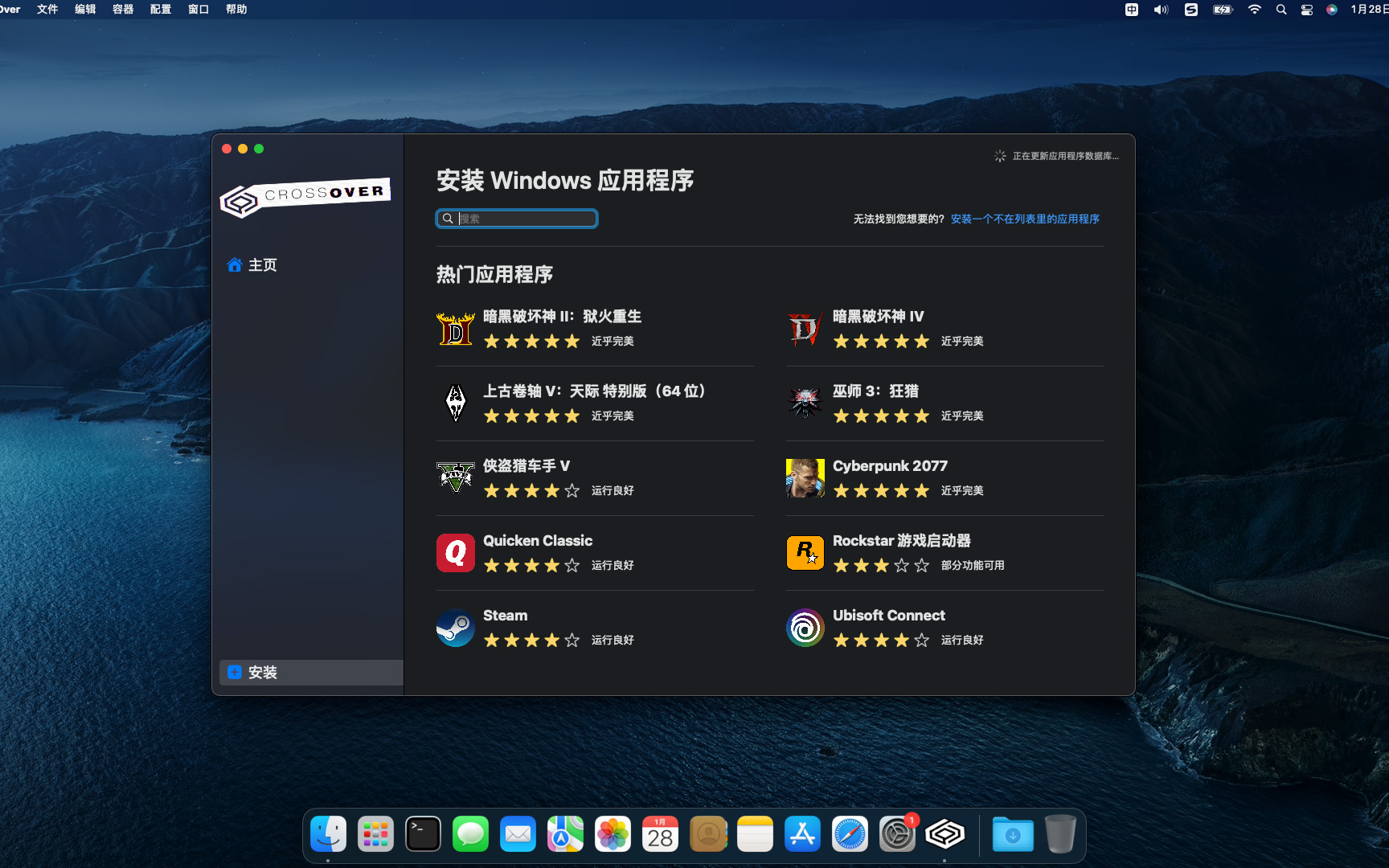
in the compatible programs directory,Not only Microsoft Office、AutoCAD、Windows Media Player 9、Adobe Photoshop、Dreamweaver MX、Internet Explorer and other well-known software,And "Half-Life 2"、"call of Duty"、"Counter-Strike"、3D games such as "Portal"。
CrossOver Mac offers a treat for users familiar with Wine,Allows them to run programs made for Microsoft Windows without actually having to install the Windows operating system。This application contains software libraries optimized for Windows programs,in it,You can run e.g. Microsoft Word、Excel、Many common applications such as Quick and Windows Media Player,But you need to configure the program yourself to install any application。It creates a Windows runtime environment called a "bottle" for installed programs,Including their respective C drives、Subdirectories and registries。Since CrossOver Mac is not a true virtual environment,So you can run your application faster,But it cannot provide a real Windows experience,And software that is not supported by Wine may not be able to run or may run unstable.。
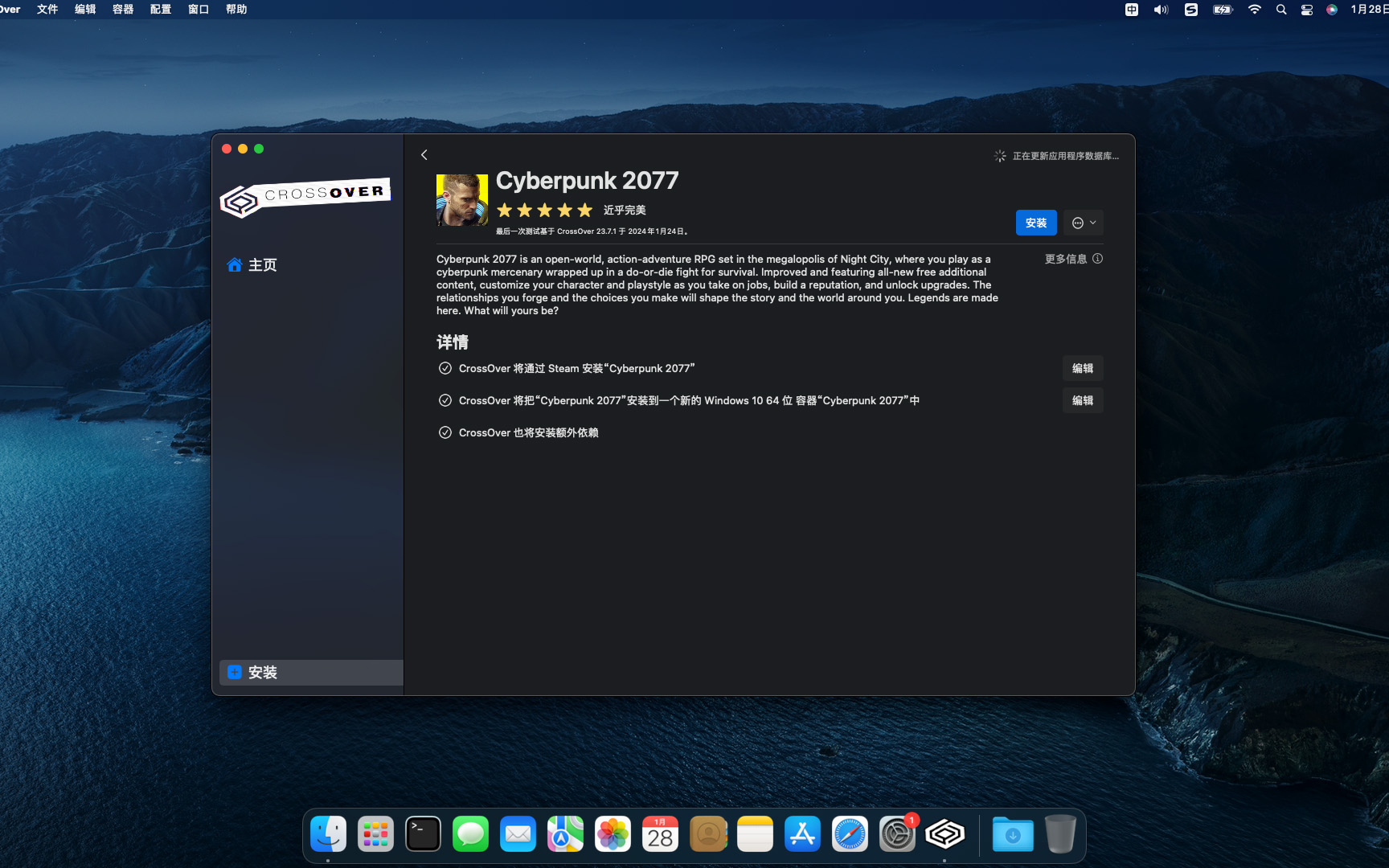
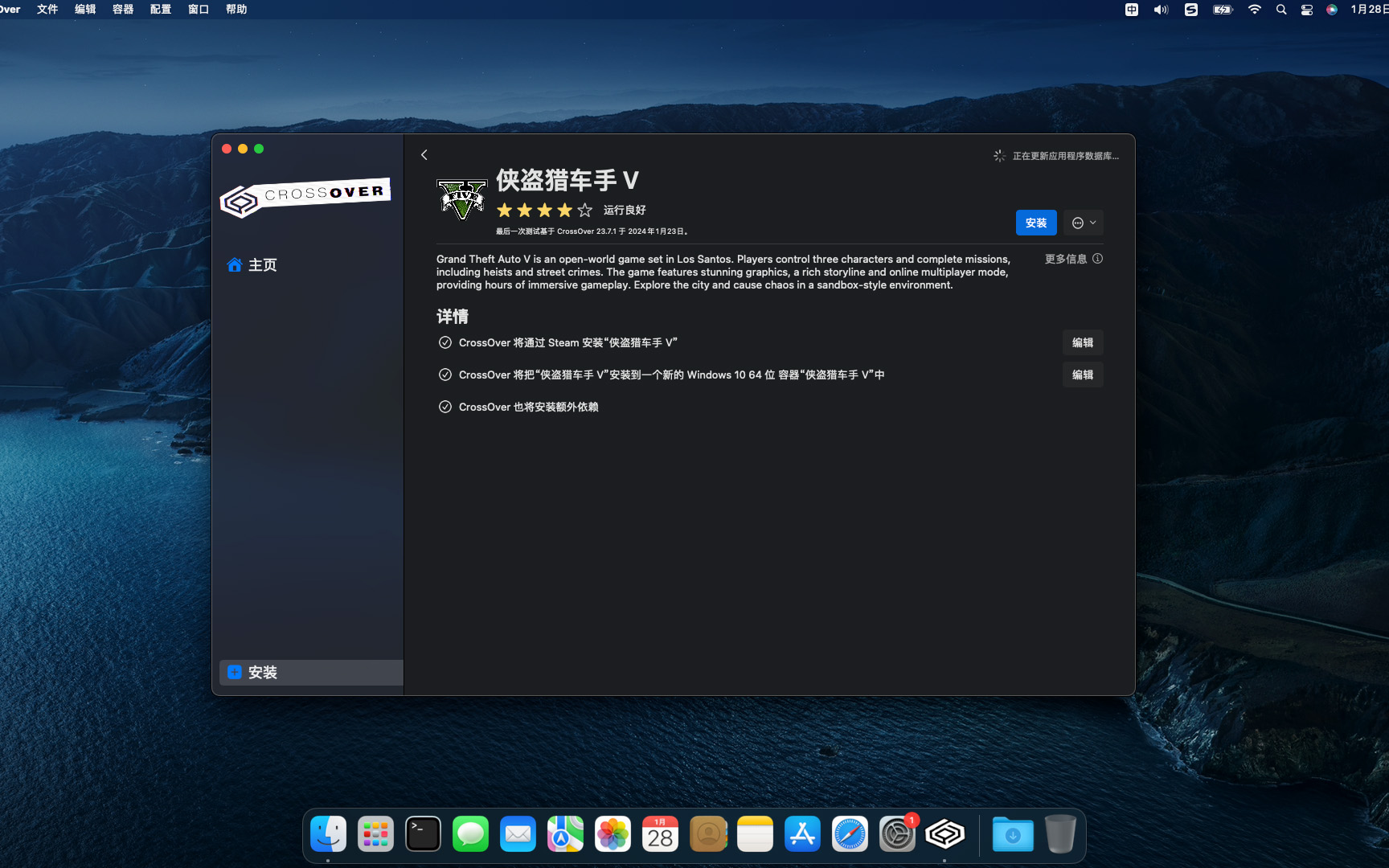
feature
Supports a wide range of Windows applications
CrossOver can run many popular Windows applications,Includes Microsoft Office、Photoshop、Steam etc.。And it doesn’t require a Windows operating system to be installed,Therefore, many tedious operations can be saved。
Automatically set up applications
CrossOver automatically sets up the application,Make it run correctly on macOS。It automatically installs required Windows components and libraries,to ensure the application runs smoothly。This eliminates the need for users to worry about whether the application will run correctly。
Fully supports macOS system
CrossOver fully supports macOS system,Includes latest macOS version。This allows users to install and run Windows applications on the latest version of macOS。
Zero-configuration Wine
CrossOver is built on Wine,It includes some optimizations and fixes,Can make many Windows applications run better on macOS。CrossOver’s Wine is more stable and reliable than ordinary Wine,It is also easier to use。
No virtual machine required
The virtual machine needs to allocate independent resources to the Windows system,This takes up a lot of memory and hard drive space。And using CrossOver,Users can run Windows software directly on MacOS,No need to start a virtual machine or install a Windows system。This greatly saves your Mac’s resources and disk space。
No Windows license required
Using a virtual machine or installing a Windows system on a Mac requires users to purchase a Windows license,CrossOver does not require users to purchase any additional licenses,Because it uses the Windows compatibility technology that comes with Mac。This means that users can use the software without violating any software usage agreement,Install Windows programs to run on Mac。
Efficient
Compared to virtual machines,CrossOver makes running Windows software more efficient on MacOS。The virtual machine needs to allocate independent resources to the Windows system,And the performance of running Windows software also depends on the performance of the virtual machine。CrossOver runs Windows software directly on MacOS,So the running performance is more efficient。
Simple and easy to use
CrossOver is very easy to install and use,Users only need to download the software and drag the Windows software into the CrossOver window to start the installation。CrossOver automatically detects required Windows components,and install them to ensure Windows software can run correctly on MacOS。
Save time and money
CrossOver lets users run Windows software on Mac,No need to install Windows or start a virtual machine,This saves users time and money significantly。also,Since no additional license is required,CrossOver also saves users costs。
shortcoming
compatibility
Although CrossOver supports over 15,000 Windows applications,But not all Windows programs run on MacOS。If the user needs to run some very complex or Windows-specific programs,You may need to use a virtual machine or install Windows on your Mac。
Performance issues
The performance of CrossOver running Windows software on MacOS is slightly lower than running it on Windows systems。Because it requires converting Windows programs into a format recognized by MacOS,And use Mac’s own Windows-compatible technology to run these programs。This may cause Windows software to run less smoothly on MacOS。
Special reminder:

1、Be sure to completely uninstall the previous version before installation。

2、Do not open CrossOver after installation。

3、First run the Activation Tool in DMG to activate it.。
Install CrossOver 24.0.5 Detailed description
1.Download ready installation package
➡️ Installation package download:First download the CrossOver 24.0.5.dmg file to your Mac,Usually found in the "Downloads" folder。
➡️ Make sure the file is not damaged,The sizes are almost right (don’t let the lower half break)。
2.Start installation
➡️ Double-click to open the .dmg file,Find your CrossOver 24.0.5.DMG file,double click on it,A window will pop up,There is usually a CrossOver icon and an "Applications" folder icon.。
➡️ Drag the CrossOver icon into Applications,Put the left CrossOver 24.0.5 icon (or other display CrossOver 24.0.5 icon),Use mouse directlyDrag and drop to the “Applications” folder icon on the right,Just like putting a file into a folder。👉 This step is equivalent to installing the software into your computer。
(If a pop-up prompt says "Unable to verify developer",Don't panic,Continue reading below)
➡️ Handling "Cannot verify developer" prompt (common situation)macOS may pop up a window saying that this app is not from the App Store,not safe,Asking if you want to open it。You can do this:
FirstHold down the Control key,Then click on that CrossOver 24.0.5 icon,Select"Open";
Or go[System Settings]→[Privacy and Security]→[Security]There,You will see a prompt saying that an app is blocked,Click"Still open" That’s OK。
➡️ Wait for copy to complete,After dragging it over,The system will automatically copy the software to your application folder,Just wait until the progress bar runs out or the prompt is complete.。Be careful not to start running at this timeCrossOver 24.0.5。Wait for activation to complete before starting the run。
3.CrossOver 24.0.5 activation registration。
➡️ Use decompression software,For example, KeKa extracts the CrossOver 24.0.5.DMG file,In the generated folder you will see an Activation Tool file,If you don’t have decompression software on your MAC computer,You can install this KeKa 1.4.3 Chinese cracked version(Simple and powerful decompression tool) Decompression software,relatively easy to use,Commonly used compression formats are supported。Double-click the Activation Tool file,You will be prompted to start activation,wait for some time,After the activation is completed, a pop-up window will appear indicating that the activation was successful.,Now you can start running CrossOver 24.0.5。
Most of the download resources on this site are collected from the Internet,Only for learning and communication purposes,Copyright belongs to the original author。If you need to use non-free software or services,Please purchase genuine licenses and use them legally。If the content published on this site infringes upon your rights,Please contact the webmaster to delete,We will handle it promptly。
If the download address is invalid,You can leave me a message,The editor saw the news,Will update the link as soon as possible! Thanks!


