

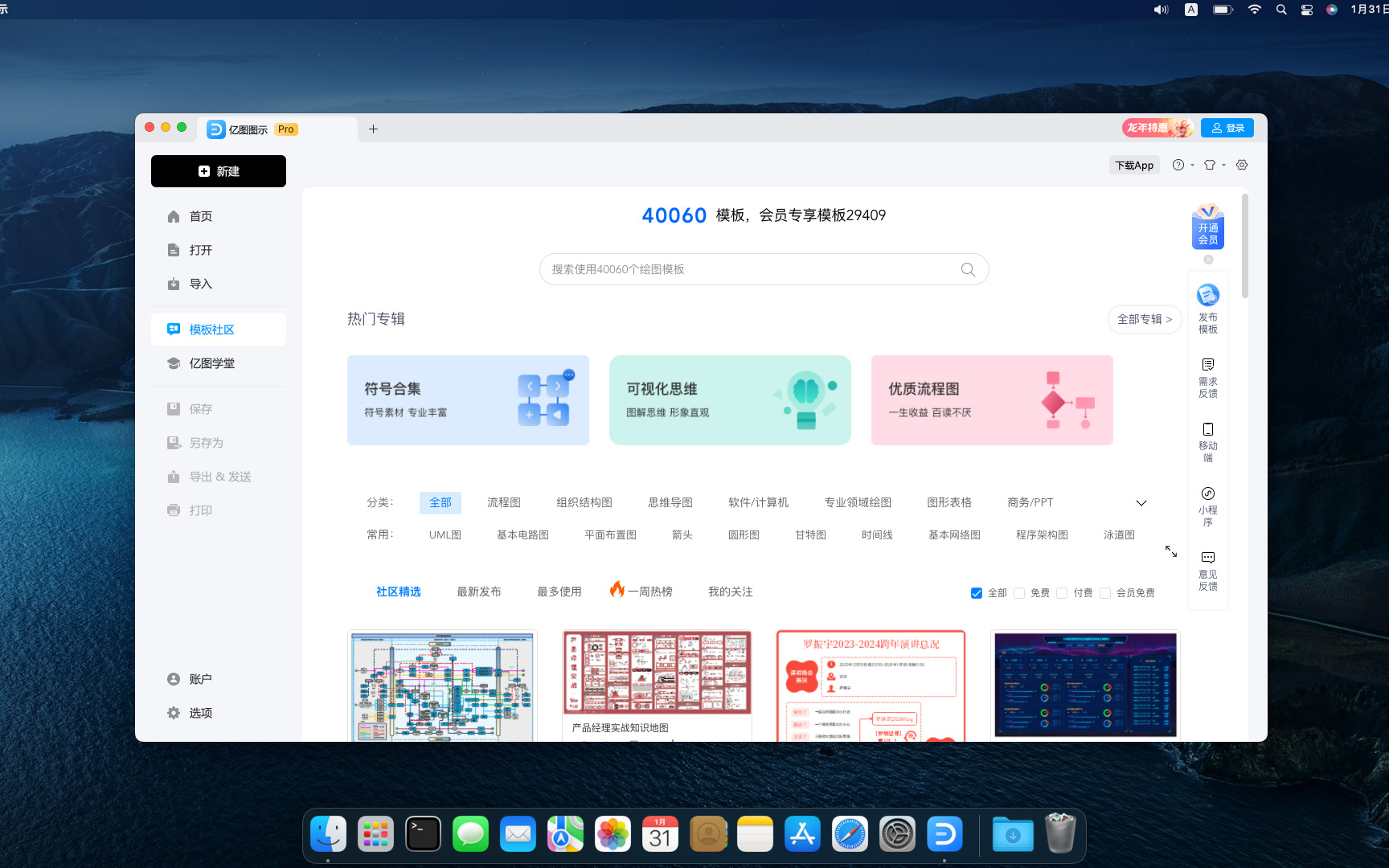
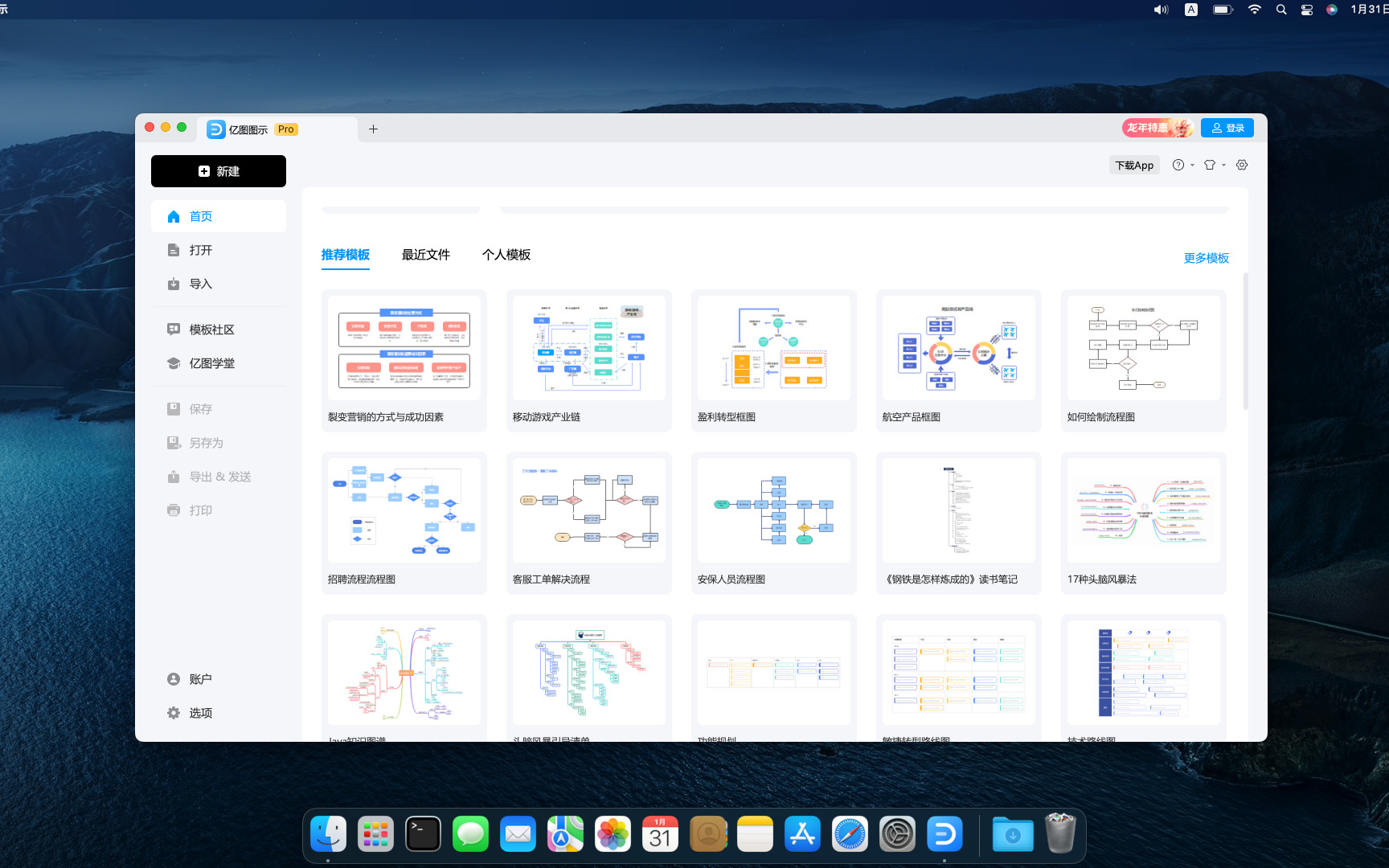
Edraw Max is a powerful cross-platform professional drawing software,It integrates rich drawing tools,Adaptable to many professional fields,Allows users to easily create flowcharts、network diagram、organizational chart、Market analysis chart、Building plan、mind map、fashion design drawings、UML diagram、workflow diagram、Web design drawing、electrical engineering drawings、Directional diagrams and database charts, etc.。The software provides a user-friendly interface and a large number of templates、Shapes and over 26,000 vector symbols,Support effective data visualization and brainstorming,Suitable for both professionals,It also allows beginners to easily create professional-looking graphs and charts.,Greatly facilitates the expression and communication of data。
feature
Features
- Full Chinese interface,Have desktop version、Web version
- Easily draw over 260 drawing types
- Contains massive professional templates and 26,000+ vector symbol materials
- Smart wizard,Combine graphics and data
- Supports batch import and export of Visio format
- Supports output in multiple formats,As picture、PDF、Office、Html etc.
- Share link with one click、Share to social platforms
Office drawing+AI,Improve your drawing efficiency
Edraw AI can optimize graphic charts and text creation scenarios,For example, enter a sentence to generate a flow chart/mind map/list、Continue writing text with one click、One-click layout and beautification、OCR extract text
Easy to operate,Even novices in drawing can get started easily
Edraw icons make complex drawings simple and easy to use,No need to master complex professional knowledge,Full drag-and-drop operation,Ready to use,regardless of background,Easy to get started。
Massive materials,Meet multi-scenario drawing needs
Edraw has 210+ graphic solutions,17500+drawing symbols,1100+Built-in templates,One software can take care of your daily drawing。
Collaboration and sharing,Share your visual work anytime, anywhere
Edraw web version supports online collaboration,Share easily、Manage team files;It also supports one-click sharing to WeChat、Weibo、QQ and other social platforms,Make communication more convenient。
Strong compatibility,Commonly used formats can be imported and exported with one click
Edraw supports importing Visio common format VSD、VSDX,You can export EPS with one click、Word、PPT、PDF、SVG and common image formats。
Enterprise-grade security,Protect your privacy
Illustration in Edraw,Your data is private、safe and reliable。All information and file transfers are protected by a high level of professional encryption,without permission,No one can access your data。
business office
Don’t know how to make PPT? Copy template using Edraw icon,Quickly output beautiful charts、business canvas、analysis report。
project management
Is project management complicated? Use Edraw icons,Get the flow chart done in one go、Gantt chart、Checklist diagram、funnel chart、fishbone diagram。
science education
Is text-only teaching too monotonous? Use Edraw icons,Present boring knowledge points in a visual way,Stimulate children's interest in learning。
software development
Don’t have a clear idea for developing software? Draw architecture diagram using Edraw icons,Sort out the underlying logic,Improve business understanding。
Knowledge summary
Is it too inefficient to study for a long time? Use Edraw icons to create mind maps,Organize knowledge points,Build a structured knowledge system。
Most of the download resources on this site are collected from the Internet,Only for learning and communication purposes,Copyright belongs to the original author。If you need to use non-free software or services,Please purchase genuine licenses and use them legally。If the content published on this site infringes upon your rights,Please contact the webmaster to delete,We will handle it promptly。
If the download address is invalid,You can leave me a message,The editor saw the news,Will update the link as soon as possible! Thanks!


